
Guide
Cancel a match or skip scoring
Cancel one court, or mark remaining courts not scored so you can start the next round.
Two different tools. Don’t mix them up.
Cancel match
On a court: Cancel. Use this when that court didn’t play (empty, no-show).
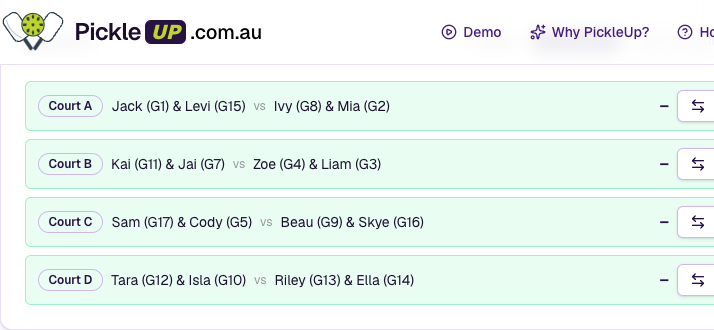 Round 4 in table view — No scoring on the round, Cancel on each court
- No ladder points, no games-played, not a sit-out.
- If a score was already in, it’s cleared and reversed.
- Undo cancel puts the court back to playable.
No scoring (whole round)
On the round header: No scoring. Use this when some courts finished and you need to generate the next round without waiting.
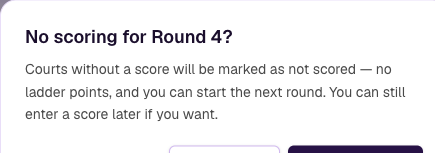 Confirm dialog — No scoring marks remaining courts not scored so you can start the next round
- Courts that already have a score or are cancelled stay as they are.
- The rest are marked Not scored — no ladder points. Pairings still count (partners/opponents).
- You can still enter a score later if you want.
Confirm the dialog before it runs.
Clear score
That’s not a cancel. It only wipes a saved score so you can type again. See Editing scores.