
Guide
Create your first event
Set up a social — courts, round length, scoring — then build the roster.
In PickleUp an event is one session (a “tournament” in the old sense): one night, many short rounds, one ladder.
Create it
- Be a Club Admin or Club Organiser for that club.
- Open Create event (or create from the club page).
- Choose the club, name, date/time, and venue.
- Set courts, singles or doubles, round length, and scoring (target score, win-by, time cap).
- Save. You land on the roster.
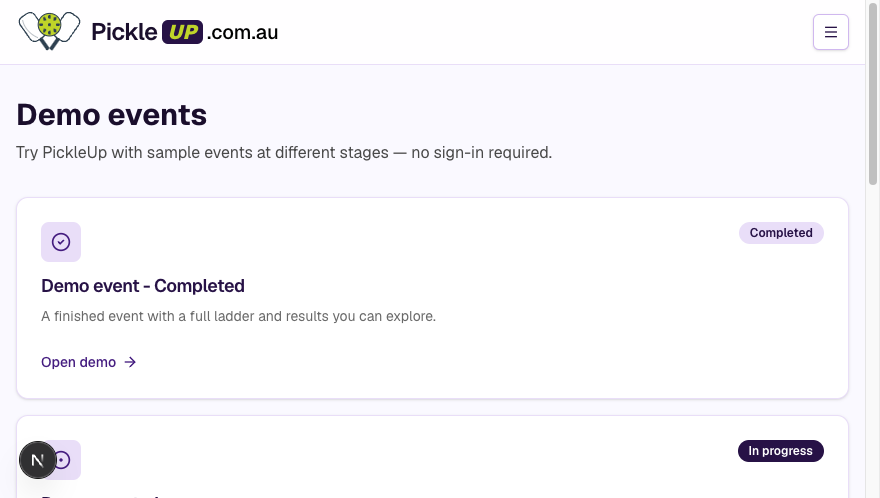 Browse demo events if you want to see a finished session first
Build the roster
- Registered players — add by player code (or QR). They keep career stats.
- Guests — add by name. They play fully, including winning; no account, no history after the night.
You can add people after the event has started. They join the next round at zero on the ladder.
Then
Start the event when you’re ready. Round 1 pairs at random (skill level is a seed). Later rounds follow the ladder. See Event management.