
Guide
PIN screen
Hold the slideshow on Ladder or Matches so every display stays put.
Slideshow mode rotates Ladder and Matches every 10 seconds, scaled for a phone or a projector.
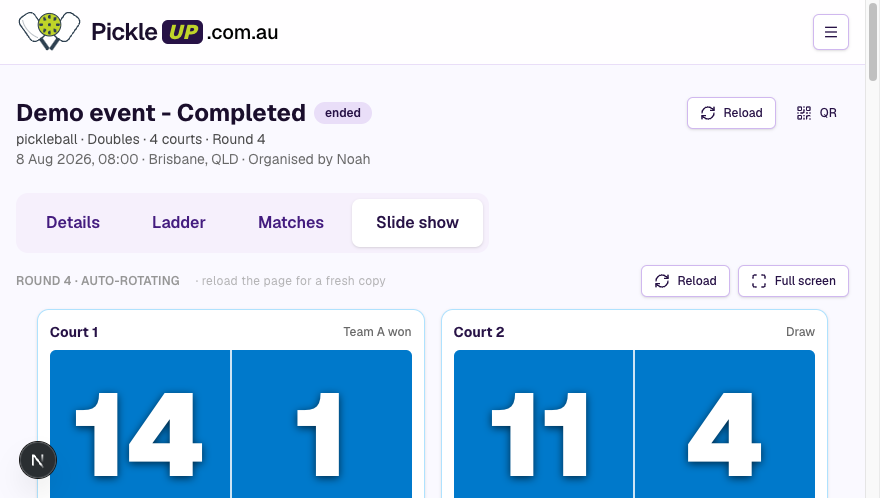 Slideshow view on a live event
Pin
If you’re an editor on the event:
- Open the Slideshow tab (full-screen if it’s on a TV).
- Tap Pin on the screen you want to keep — Ladder or current round.
- Every slideshow for that event holds that screen until you unpin.
Unpin to resume the 10-second rotate. Space, arrow keys, or a swipe also advance when it isn’t pinned.
The pin is stored on the event, not on one browser. A courtside TV and someone’s phone stay in sync.
Use this when you’re entering scores and don’t want the TV flipping away from Matches, or when you’re announcing standings and want Ladder only.