
Guide
Getting started
Create a PickleUp account. You get a player code the moment you sign in.
You don’t register as a player separately. Sign in once and PickleUp creates your profile.
Create an account
- Open Sign up.
- Continue with Google, or enter your name, email, and password.
- That’s it. You’re a registered player.
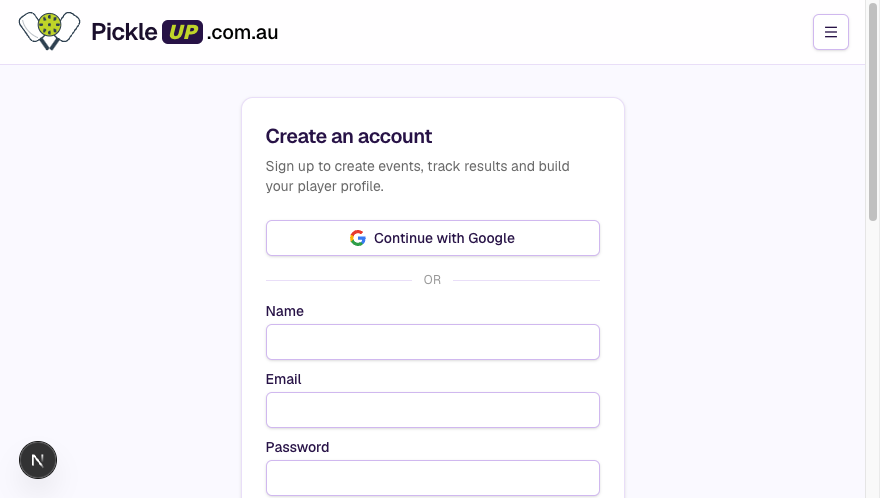 Create an account with Google or email
Already have an account? Use Sign in. Forgot the password? Reset it.
What you get
- A unique player code. This is how organisers add you to an event.
- A QR code on your ID card — same code, scannable.
- A public profile at
/player?code=…with clubs and career history.
Guests can still play without an account. The organiser adds them by name for that event only. They don’t keep history.
Next
- Create a club if you run socials.
- Player history if you just want to play.